For today’s student body, connectivity is more than just a perk; it is critical to academic success. Modern coursework often relies on cloud-based applications, video conferencing, and real-time collaboration tools, creating an expectation that reliable internet access is always available. Research data, library resources, and course materials can all be accessed online at any time, making a robust network fundamental to academic performance. Beyond academics, connectivity is also key to supporting the social experience that defines student life. Students rely on messaging apps, streaming platforms, and social media to stay informed, unwind, and maintain connections with peers and family. A fast, secure, and resilient network is no longer optional; it has become a baseline requirement for institutions aiming to stay competitive in higher education.
Unique challenges in housing environments
High device density
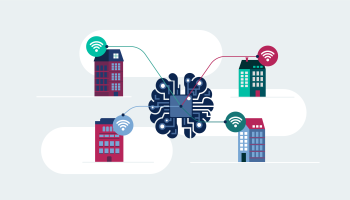
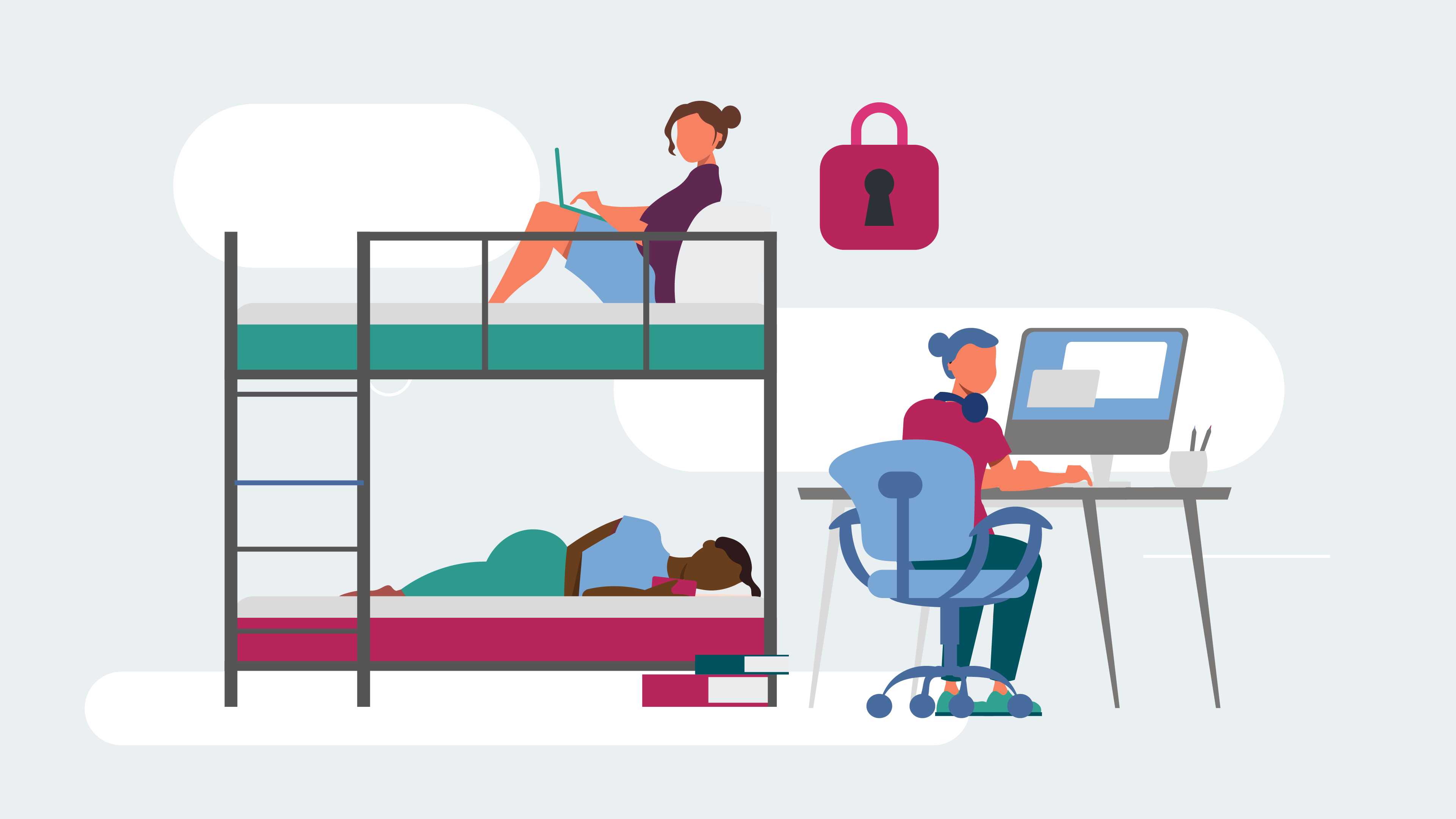
On-campus and off-campus housing environments host large numbers of users within relatively compact spaces. Each student often brings multiple devices. These include laptops, smartphones, tablets, gaming consoles, smart TVs, and even IoT gadgets like smart speakers or wearables. As a result, the wireless network must handle this high density of concurrent device connections. To ensure optimal performance, network administrators must plan carefully so that each access point has sufficient capacity to support peak usage without degradation in speed or reliability.
Diverse use cases
Student behavior is incredibly varied, meaning the network must accommodate everything from standard web browsing and online classes to high-bandwidth activities such as video streaming and online gaming. The large variety of applications in use often run at the same time and creates challenges for traffic management. Administrators must effectively optimize performance, allocate bandwidth, and minimize latency to ensure that all these diverse use cases are supported without interruption.
Security and access control
A secure network is paramount in student housing, where there is often a heavy influx of unknown or personal devices. A robust authentication method that assigns individual credentials is vital to preventing unauthorized access. By ensuring that each user has a unique way of connecting, institutions can better contain threats and protect the overall network environment.
Seamless onboarding
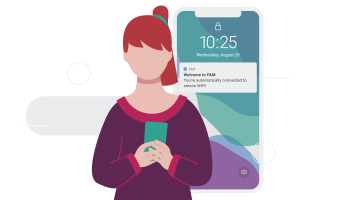
Modern students expect the process of connecting to WiFi to be as easy as tapping a few buttons. Complicated or confusing onboarding processes can lead to user frustration, increased help-desk requests, and dissatisfaction. Single Sign-On (SSO) via existing campus credentials: such as Microsoft Entra, Google Workspace, or a university-specific Identity Provider like Shibboleth, streamlines the process. Students can simply log in with the same username and password used elsewhere on campus, making onboarding fast and user-friendly.
Extended campus footprint
Off-campus housing, including apartment complexes or privately managed student residences, continues to rise in popularity. Students in these environments still expect robust, university-grade connectivity, but the challenge lies in extending secure access beyond the traditional campus footprint. In many instances, property owners or wireless service providers partner with the institution to deliver dedicated or institution-managed networks. This approach helps maintain a consistent and secure experience for students, regardless of their physical location.
A seamless and secure connectivity approach
Two key technologies enable a seamless and secure connectivity strategy in student housing: Private Pre-Shared Key (PPSK) and Personal Area Network (PAN) orchestration.
Private Pre-Shared Key (PPSK)
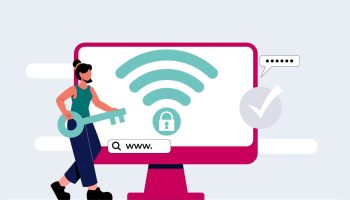
A Private Pre-Shared Key (PPSK) is a unique WiFi password assigned to each user or device. Rather than everyone sharing a single network key, each person or device uses an individual key, ensuring that a compromised key affects only that specific user. PPSK can also integrate with campus directories or third-party Identity Providers, providing a straightforward, secure experience for both administrators and end users.
- Cloud PPSK: PSKs are managed through a centralized network management system. When a device connects, the access point checks the system to verify the key’s validity. Administrators can bind a PSK to a specific MAC address or allow shared use. Typically supporting up to 5,000 PPSKs per network, cloud-based PPSK simplifies multi-site management.
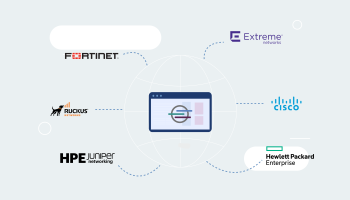
- RADIUS-Based PPSK Without MAC Authentication: In this setup, devices connect using a PSK, and the RADIUS server leverages a Key Matching Service (KMS) to confirm that the key is valid, without needing the MAC address. This approach is more flexible and scalable, compatible with a range of vendor ecosystems such as Cisco, HPE/Aruba, Juniper Mist, and Ruckus Networks.
Personal Area Network (PAN) Orchestration
PAN orchestration creates a secure, personalized network environment; particularly in high-density student housing.
- Layer 3: By leveraging Layer 3 (L3) traffic segmentation with technologies like Cisco Catalyst UDN or Cisco Meraki WPN, administrators can automatically configure AP ports according to each user’s unique network segment (WPN ID). This isolates personal devices and prevents cross-traffic between users.
- Layer 2: Where full L3 segmentation is not feasible, VLAN orchestration serves as a complementary option, assigning distinct VLANs on a per-student or per-group basis.
Whether through L3 segmentation or VLAN orchestration, these strategies strengthen network performance, enhance security, and allow institutions to tailor connectivity to their specific deployment requirements.
Onboarding best practices
Self-service student portal
A self-service student portal is an effective tool for streamlining the onboarding process. Students can be directed to a specific URL through welcome emails, orientation booklets, or university webpages. After logging in with their campus credentials, often via SSO, students can generate and manage their own PPSKs, making the process more transparent and user-friendly.
Integration with Identity Providers
Most universities maintain an Identity Provider (IdP) to handle user authentication. Leveraging this existing framework streamlines onboarding, reduces complexity, and maintains robust security standards. Once students have authenticated through the IdP, they can be automatically provisioned on the WiFi network. Administrators can configure group mapping and filtering to ensure that only eligible users are granted access.
Automatic account suspension and renewal
Proactive planning for the end of a service lifecycle is critical. Many IdPs, especially those using SAML, do not automatically indicate when a user’s network access should expire. Enabling periodic suspension every 90 days, ensures that students must reauthenticate and renew their access. This policy effectively removes users who have graduated or otherwise left the institution, reducing the risk of unauthorized network access.
Security and privacy
Whether on campus or off, security must remain a top priority. Each student’s network traffic should be private, and the institution must protect sensitive data such as personal information, financial records, and exam files. A PPSK approach enhances security by isolating each user’s connection; if one key is compromised, the risk is contained to that user alone. Additional safeguards, including WPA2 or WPA3 encryption and active monitoring or intrusion detection, further safeguard the network and let administrators respond rapidly to potential threats.
Planning for the future
Emerging technologies
With student connectivity demands continually growing, institutions must anticipate future needs by adopting emerging technologies like WiFi 6/6E and, eventually, WiFi 7. These standards offer higher throughput, improved efficiency, and lower latency; especially critical in high-density environments like dormitories. Regular network refresh cycles help ensure students and staff always have sufficient bandwidth and reliable coverage.
Internet of Things (IoT) integration
The increasing number of IoT devices in student housing adds another layer of complexity. PPSKs simplify IoT provisioning by associating each device with a specific student account, rather than using a shared or generic key. This approach helps keep devices organized under a single user’s profile, reducing administrative overhead and improving overall security.
Data-driven insights
Analytics on usage trends, peak hours, and device types can yield valuable information for optimizing network performance. Armed with these insights, administrators can fine-tune network designs, adjust bandwidth allocations, and deploy additional access points where they are needed most. These continuous improvements support a better connectivity experience and ensure the network evolves alongside student needs.
The road forward in student housing
Meeting the connectivity needs of students in both on-campus and off-campus housing requires a forward-thinking strategy that balances security, scalability, and user experience. As student life becomes increasingly digital, networks must accommodate a wide range of devices and use cases like spanning coursework, research, entertainment, and social interaction. PPSK-based solutions excel at addressing these challenges by offering robust security and intuitive user onboarding.
By integrating PPSKs with Single Sign-On and leveraging Identity Providers, universities can streamline account management, maintain strong security postures, and reduce support burdens. Ultimately, a reliable, secure, and user-friendly network is central to a thriving academic community. With careful planning, be it through network segmentation, a self-service portal, or future-proofing with emerging WiFi standards, institutions can deliver consistent, high-quality connectivity for students living on campus and in off-campus settings alike.
Ready to simplify WiFi access and strengthen network security in your student housing? Discover how PPSK technology can transform your connectivity strategy. Request a demo today.